
Before reading intimacy advice on a shared screen, check three places: the device in front of you, any account you are signed into, and the website receiving your visit. A private browser window can reduce some local records, but it does not make every part of the visit private. Decide what you want to keep separate before opening a sensitive page.
For adults, looking up a personal wellness question can be an ordinary part of learning. You might be comparing product controls, finding words for an appointment, or reading about relationship communication. You do not have to share that reading with a partner, housemate, or family member just because you share a device.
Start with the privacy question you actually have
Imagine borrowing the household tablet to read about intimacy discomfort. Your concern might be that the next person sees an open tab. It might instead be that an account remembers your search, or that you do not want to enter personal details into a website. These concerns need separate checks.
Write a simple goal: “I want to read this without leaving the page open on the shared tablet.” That goal is easier to act on than “I want complete online privacy,” which no single browser setting can promise. If a device belongs to an employer or another organization, use your own suitable device for personal reading rather than assuming a private window changes its management rules.
You can also decide what belongs in a conversation later. A page saved for your own reading does not automatically belong on a shared intimacy wish list.
Understand the limit of a private window
Google Chrome’s explanation of Incognito distinguishes local browsing records from anonymity online. It also notes that saved bookmarks and downloaded files can remain. Browser names and controls differ, so use the current help for the browser on your device.
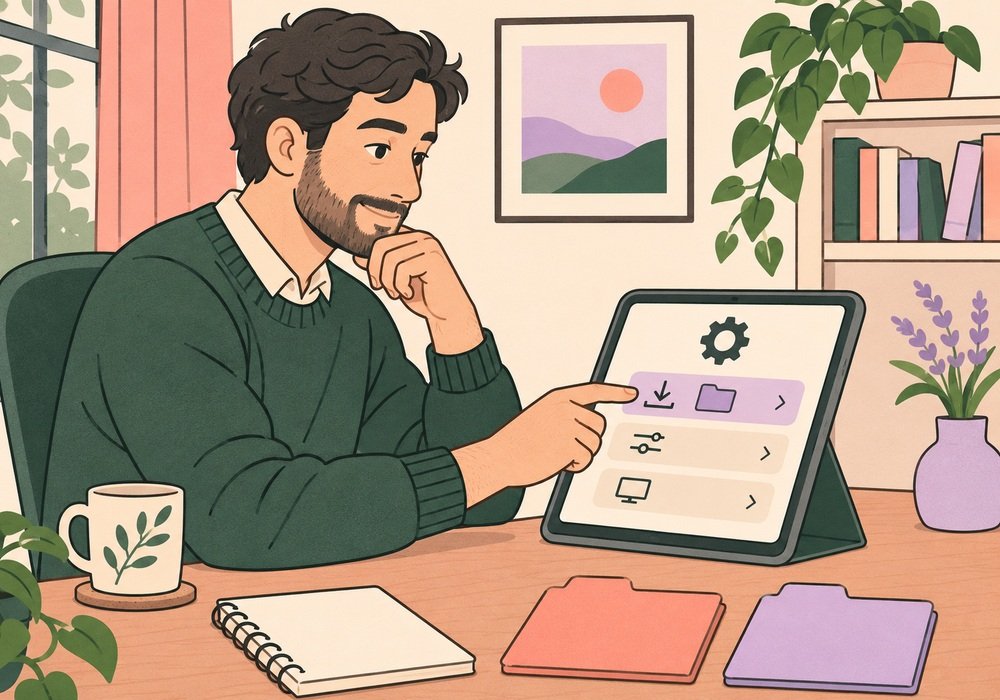
Think of the window as one part of your reading setup. If you download a product manual to a shared Downloads folder, closing the window does not put that file somewhere else. If you save a page as a bookmark, check where it was saved. An open tab is another visible item to deal with when you finish.
Before starting, decide whether you need to download anything at all. A product dimension may only need to be read, while an appointment question may be easier to write in a personal notebook. Choose the least complicated way to keep the information you actually need.
Look at the account as well as the screen
A shared device and a shared account are different arrangements. Before searching or saving, look at the profile currently in use. Is this your personal browser profile? Are you signed into a search service, store, or note-taking account? Do you understand which devices can see information saved there?
For example, saving a product comparison into a household notes account may make it available to someone else using that account. Moving the browser into a different window does not change the destination you selected for the note. Check the actual account and folder rather than relying on a familiar screen layout.
If you cannot tell how the account works, pause before adding sensitive notes. You can return later on a personal device. Avoid putting symptoms or private relationship details into a shopping cart note just to remember a product question.
A website has its own information practices
The Google Privacy Policy describes information collected through its services, including activity and information from browsers and devices. Those details concern Google services; other sites have their own policies. Clearing a local record does not establish what a website has retained.
Read a site’s privacy information before submitting a personal question or registering for an account. Look for what is collected, why it is used, and how to contact the operator. If the explanation does not answer your concern, you can choose to read without submitting the information or leave the page.
Check account controls separately. Google explains its Web & App Activity settings and notes that settings are being updated. Follow the current controls shown in your own account rather than assuming an old screenshot matches. If more than one person uses an account or device, check which account is active before saving anything personal.

Separate reading, shopping, and device controls
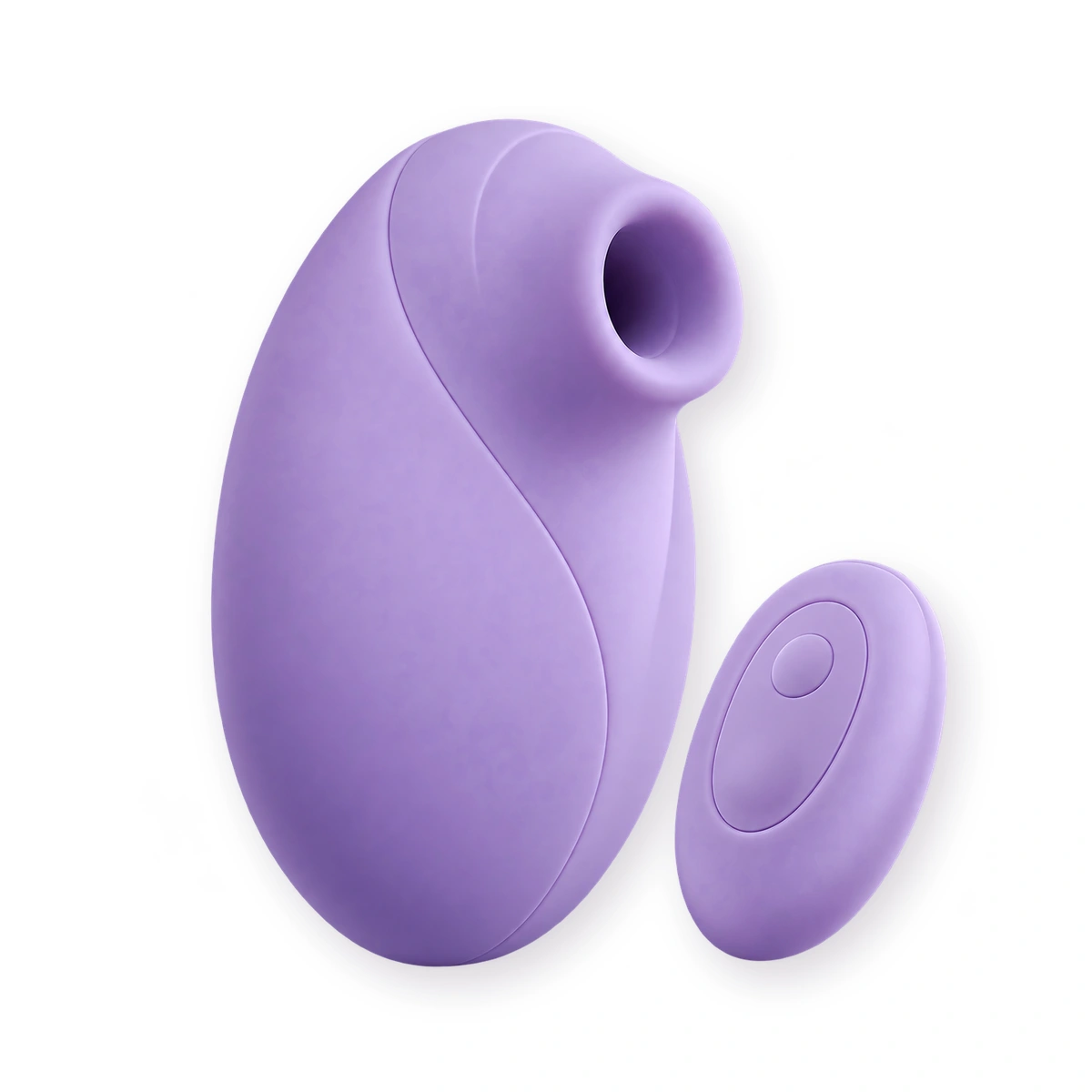
Comparing a physical product creates different questions from browsing a health article. You may need to check an order account, confirmation messages, or the product’s own instructions. A wireless remote is a control feature; it is not proof about website tracking, order records, or data handling.
The product below is an example of a listing that describes a wireless remote. Read its current specifications when comparing controls. We are not presenting it as a privacy tool or making a claim about what information any connected service collects.
If you are evaluating software connected to a product, use the separate app permissions and privacy checklist. That review concerns installation, permissions, sharing, and account removal. Keep it separate from the browser checks you use while simply reading an article.
Finish with a short, deliberate check
Before handing back a shared device, look at what you created during the visit. Close the relevant windows, check any files you downloaded, and make sure a personal account is no longer open if you signed in. Follow the browser’s own instructions for ending its private session.
- Visible screen: Are sensitive tabs or documents still open?
- Saved material: Did you create a download, bookmark, screenshot, or note?
- Account: Where was anything saved, and who can access that account?
- Next step: Do you need a question for yourself, a partner, or a clinician?
Keep the useful question without collecting more personal detail than necessary. For example, “Ask about recurring discomfort” may be enough for your own reminder. Our guide to preparing for a clinician conversation can help organize the appointment itself. If the information you found seems uncertain, check its original source before acting on it.
Questions about private wellness reading
Different records require different checks.
Does private browsing make an intimacy search anonymous?
No. It can limit certain records kept by the browser on the device, but it does not make you anonymous to websites or everyone involved in the connection. Read your browser provider’s explanation of its specific limits.
Will closing the window remove a downloaded manual?
Do not assume so. Downloads and saved bookmarks can remain after a private session. Check the actual saved item and its location on the device.
Should I put health details into a store account to remember them?
Keep the purposes separate. A shopping account is not automatically a suitable place for private symptom notes. Review the service’s privacy information before submitting sensitive details.
Do I have to show a partner what I have been reading?
You can decide what you want to discuss. Sharing a device does not turn private reading into a joint plan. If you share a page, explain whether you are asking a question or proposing a conversation.