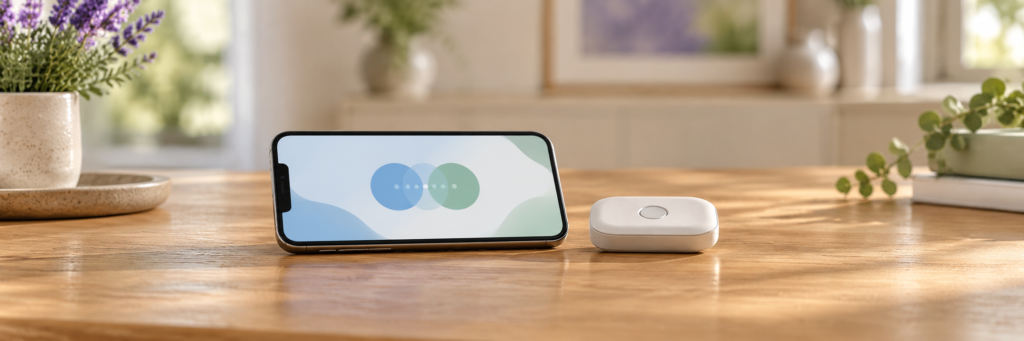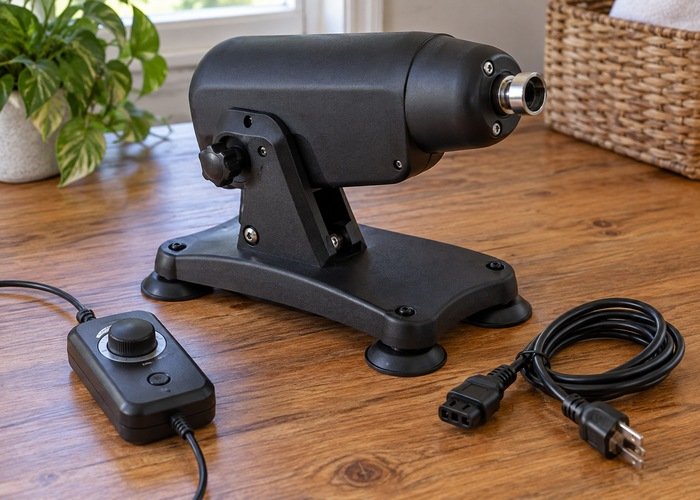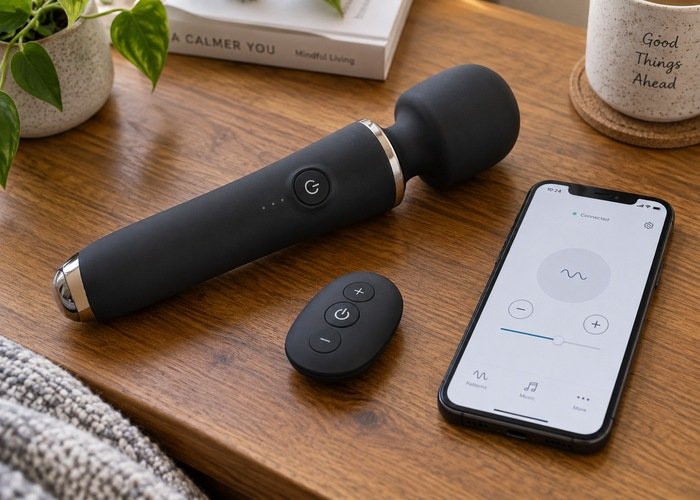
Before pairing an app-controlled vibrator, check four separate things: what the app can access on your phone, what information appears on your screen, who can control the device, and what remains in the account after you stop using it. These are different settings. Turning off notifications does not revoke another person’s access, and uninstalling an app does not establish that its provider has deleted your account.
This vibrator app permissions checklist is for adults who want to understand the software attached to a personal wellness product, using iPhone settings as practical examples. It does not rate a particular app or claim that every connected product behaves the same way. Instead, it gives you a practical sequence for installation, pairing, permission review, shared access, and eventual removal. Keep the exact product manual and the app developer’s current privacy information available while you work through it.
If you are still comparing products in the KissSelf vibrator collection, ask whether basic operation works without an account and whether the device has a reachable physical stop control. Those answers matter before you invest time in setup. A connected feature should have a clear purpose for you, along with understandable controls for the information and access it introduces.
Make a small inventory before installing anything
Write down the product’s exact model, the app name supplied in the manual, and the developer named on its official store listing. Similar names and similar icons are not enough to identify the correct application. Follow the manufacturer’s current installation directions, and compare the listing with its support information. If those details disagree, ask the manufacturer to resolve the mismatch before creating an account.
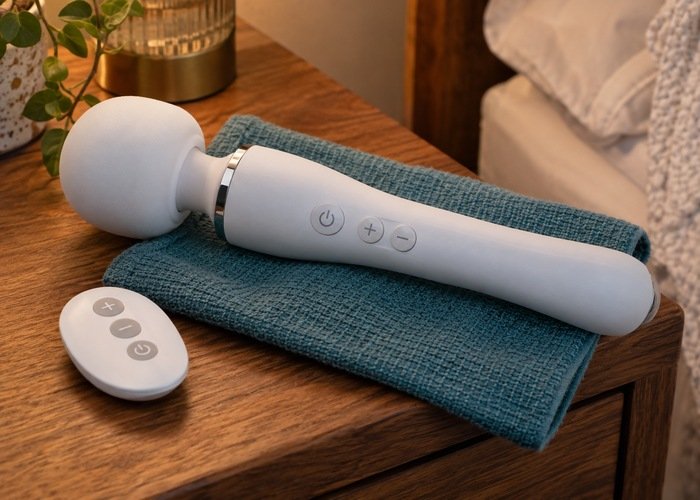
Check your phone’s operating system against the app’s current requirements. Also find out whether a separate remote is included and which controls work directly on the device. You are making an inventory of dependencies: hardware, controller, phone, app, account, and internet service. Not every product needs all of them, and a feature advertised as wireless does not tell you which of those dependencies apply.
Keep purchase documents and support details somewhere you can access without opening the app. This is especially useful if an update later prevents it from launching. A record containing the model number, store order reference, and a manual link is enough for many routine support questions. There is no need to add personal usage details to a general household purchase record.
Read permissions as individual requests
A permission request should be connected to a function you have chosen. Bluetooth access may relate to finding nearby hardware; microphone access might relate to an optional sound-responsive feature. Those are examples of possible purposes, not a description of every app. Read the developer’s explanation and decide whether you want that particular function before granting access.
Do not interpret one necessary permission as a reason to approve every later request. An app can ask for permissions at different moments, and the fact that it connected successfully says nothing about whether a new request is needed. If the explanation is unclear, keep the optional feature unused while you ask support. Record the permission name and the action that caused the permission request rather than sending an unredacted screenshot of your account.
Tracking is another separate request. Apple explains app tracking permission and the choices available on supported systems. Deciding whether an app can track activity across other companies’ apps and websites is different from deciding whether it can connect to nearby hardware. Check the wording of the permission request instead of treating every privacy request as part of pairing.
After changing one permission, test only the function it relates to and note the result. If basic pairing works without an optional permission, leave the optional choice as you prefer. If a required function stops working, consult the developer’s documentation before granting unrelated access. Changing several settings simultaneously makes it harder to understand which one affected the result.
Bluetooth permission and pairing are not the same decision
There are several layers to a connection: Bluetooth may be enabled on the phone, the app may have permission to use it, and the product may still need its documented pairing sequence. Seeing one of these states does not prove that the others are ready. Start with the exact manual rather than repeatedly tapping every nearby device shown on the phone.
For supported Apple devices, an app’s Bluetooth access can be reviewed separately. Apple’s Bluetooth privacy guidance describes the permission and where it can be allowed or revoked. This is useful if you previously declined a permission request or later decide to remove access. It does not mean that Bluetooth permission also grants access to your address book or photographs.
Pair in a private setting with the correct product physically present. If more than one similar device appears, follow the manufacturer’s identification method rather than guessing. Ask support if the listing does not explain how to distinguish the device you own. A familiar-looking name is not a substitute for a documented identification step.
Separate local control from any long-distance service. A product may use a nearby connection for one function and an account-based service for another. Confirm which parts require internet access and what happens when that service is unavailable. The KissSelf remote-versus-app comparison addresses the broader buying decision; this checklist concerns the permissions and access that follow your choice.
Review recorded app activity, with limits
Once setup is complete, inspect the activity your phone makes available. Apple’s App Privacy Report guidance explains how to enable the report and review supported data, sensor, and network activity. Recording begins after the feature is enabled, so an initially empty report does not establish that an app never accesses anything. Give it time to collect information during ordinary use.
An activity report is not a complete account of everything an app provider knows. It does not by itself explain server-side retention, account information you typed, or data the provider says it receives through other means. Treat it as one useful observation. If you see activity you do not understand, compare it with the developer’s explanation and the feature you used.
Keep any troubleshooting note short: the date, permission category, relevant feature, and question for support. Avoid collecting detailed personal histories simply to investigate an ordinary connection problem. If a screenshot is necessary, remove names, email addresses, invitations, and other account details before sending it. The goal is a clear technical question with the minimum information needed to answer it.
Check what appears when the phone is locked
Account privacy and screen privacy need separate attention. A phone can have a strong screen lock while still displaying notification previews to someone nearby. Examine the app’s name, preview text, sound, and badge behavior under the settings available on your device. Make the choice that suits your household rather than assuming an app will choose discreet defaults for you.
Apple’s notification guide explains ways to manage presentation and sounds. Use the current controls for the specific app you installed, then check the result with the phone locked. Muting an alert is different from hiding its contents. A change in one setting may leave another form of notification visible.
Think about other places the screen may be visible. A shared tablet, a screen-mirroring session, or a phone resting in a communal charging area can change your privacy needs. Review those ordinary situations before relying on an app for something personal. Do not assume that closing its window signs out of the account or stops all activity.
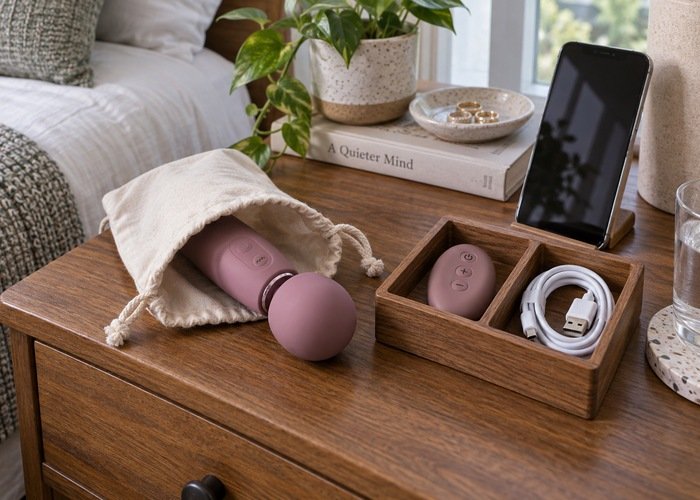
The KissSelf travel guide covers physical packing considerations. Add a separate digital check when travelling: who can see the phone, whether another device shares the account, and whether notifications are presented as you expect. A storage pouch protects the physical object; it does not control the information shown by connected equipment.
Read the policy for the service you actually use
Find the privacy policy linked from the actual app listing or developer’s support page. Check that it names the relevant service and provides a way to contact the responsible company. A general retailer policy may describe purchases without explaining the separate app account. If the documents seem to describe different services, ask which policy governs the feature you intend to enable.
Look for clear explanations of account information, device-related information, sharing, retention, and deletion. You do not have to turn the policy into a legal analysis to identify practical gaps. If a document does not explain an issue important to you, write a direct question for support. Avoid treating reassuring adjectives as answers to specific questions about what is stored.
Apple’s explanation of App Store privacy information helps you interpret the privacy details on an app listing. Read that summary alongside the developer’s policy. Phone permissions and a provider’s information practices are related but different subjects. Limiting unnecessary access on the phone does not establish how long previously supplied account information remains with the provider.
Choose a unique account password and use additional sign-in protection if the service offers it. Keep account recovery available to you. Do not share credentials to work around a missing invitation feature. If a product requires an account arrangement you are uncomfortable with, ask whether local controls meet your needs or consider a product whose supported design does.
Treat shared access as a separate permission
Another person’s access should begin with a specific agreement, not merely with the fact that an account connection exists. Discuss whether sharing applies to one session, what actions are acceptable, and how either person can end it. Keep a reliable local stop option available. Earlier agreement should not be treated as automatic permission to start again later.
Before sending an invitation, find the removal control. Does the app support removing a connection, expiring an invitation, ending a session, or all three? These actions can have different meanings. Ask the provider if its documentation does not distinguish them. Do not assume that closing a chat, signing out, or turning off the phone revokes a relationship stored in the service.
If the app provides a list of connected people or active sessions, review the list after changing arrangements. Remove access you no longer intend to maintain using the documented method. Confirm that the account shows the expected state. If you cannot verify revocation, keep shared features unused until the provider clarifies the situation.
Never use a communication problem as a reason to bypass a stop request. Connection delays and ambiguous interface states are reasons to pause. Resolve the technical problem separately, with the device safely stopped according to its instructions. Personal agreement and technical access are both required; neither one replaces the other.
A settings record that stays useful
| Area | Question to answer | What to record |
|---|---|---|
| App identity | Is this the developer and app named by the manufacturer? | App name, developer, and support link |
| Permissions | Which requests support the features I actually want? | Permission names and your choices |
| Notifications | What can someone see or hear with the screen locked? | Preview, sound, and badge choices |
| Shared control | Who has access and how is it removed? | The location of the documented removal setting |
| Account removal | What happens after I request deletion? | Support instructions and any confirmation |
This record does not need to contain personal activity, passwords, recovery codes, or other people’s private information. Keep sensitive sign-in information in your chosen secure credential storage, not in a casual checklist. A short list of settings and support references should help you repeat the review without becoming an unnecessary record of intimate details.
When you replace the phone or stop using the app
Review access before switching phones, giving away an old device, or abandoning an account. Read the provider’s account-removal procedure while you can still sign in. Depending on the service, removing a local app, removing a paired product, and deleting the account may be separate actions. Follow the documented sequence rather than assuming one button covers everything.
If you request account deletion, retain a minimal confirmation that the request was received. Check what the provider says about completion, retention exceptions, and any separate subscription or purchase arrangement. Do not assume a specific deadline or automatic cancellation unless the provider states it. Ask support to explain unresolved account questions before disposing of the only device through which you can access the account.
For ordinary storage, clean and power down the hardware according to its instructions and keep the correct accessories together. The KissSelf material and care checklist addresses physical ownership questions. Digital housekeeping is an additional task: review access, remove unwanted connections, and decide whether keeping the app installed still serves a purpose.
A practical review after changing phones
Consider an illustrative situation: you replace your phone and reinstall the same app. The product connects, but the new phone shows notification previews that you had previously hidden. At the same time, the account still lists a connection you no longer use. Successful pairing has answered only the connection question. It has not reproduced every old phone setting or confirmed that your account relationships are still the ones you want.
Work through that situation in separate steps. First confirm the correct app and product. Next inspect permissions and notification presentation on the new phone. Then review connections inside the account. Finally, decide what to do with the app and account access on the old phone using the relevant manufacturer and phone-provider instructions. Keep the product stopped while resolving uncertain control behavior.
This example illustrates why a short written record can be useful even when everything appears to work. It helps you remember decisions that pairing alone cannot check. If the interface has changed since your last review, look up the current instructions instead of repeatedly trying an old menu path. Contact support when a setting that matters to you is missing or its effect is unclear.
Frequently asked questions
Does declining an optional permission make the whole product unusable?
Not necessarily. The answer depends on the app and the particular feature. Consult its current support information and test the relevant function separately. Avoid granting unrelated permissions simply because one feature failed to connect.
Does uninstalling the app delete my account?
Do not assume so. Check the provider’s account-deletion procedure and any confirmation it provides. Removing software from a phone and removing records held by a service are different operations unless the provider explicitly connects them.
Can I rely on the phone screen to stop the device?
Know the manufacturer’s local stop method before relying on connected controls. A frozen app or lost connection can make a screen action unavailable. If you cannot establish a reliable stop route, resolve that issue before using the connected feature.
How often should I repeat the review?
Revisit it after a meaningful app update, phone change, new permission request, or change in shared access. You can also include it in your own periodic account housekeeping. There is no universal interval that guarantees privacy for every product and service.
A useful vibrator app permissions checklist keeps each decision separate and understandable. Identify the app, approve only the access you intend, check visible notifications, confirm who can connect, and understand account removal. Keep these notes alongside the relevant articles in the KissSelf guide archive and the manufacturer’s instructions so that the next review is straightforward.